It has been a little while since my last post, but this time, I want to look back at the Unity games I have made so far.
Until now, I have mainly created games for WebGL. However, I have finally decided to make a game for iOS, so this felt like a good time to write this post.
The number of games I have made so far is an incredible seven!!!
In my notes, I had enthusiastically written something like, "I'm going to make four games in one month and reach ten games!!"
Unfortunately, each game took longer than I expected, so I failed to follow through on that declaration.
Well, that is also part of the story. I want to look back at how I ended up here, including the things that did not go according to plan.
How I name my games
As you can probably tell from the names of these games, I have put quite a lot of thought into naming them.
There are two reasons for this:
To rank highly in search results through SEO and maximize awareness of the game
To secure clean official account handles and domain names and establish each game as its own brand
There are not many benefits for me at my current scale, but I believe it will gradually start to matter when I eventually release games on stores such as the App Store.
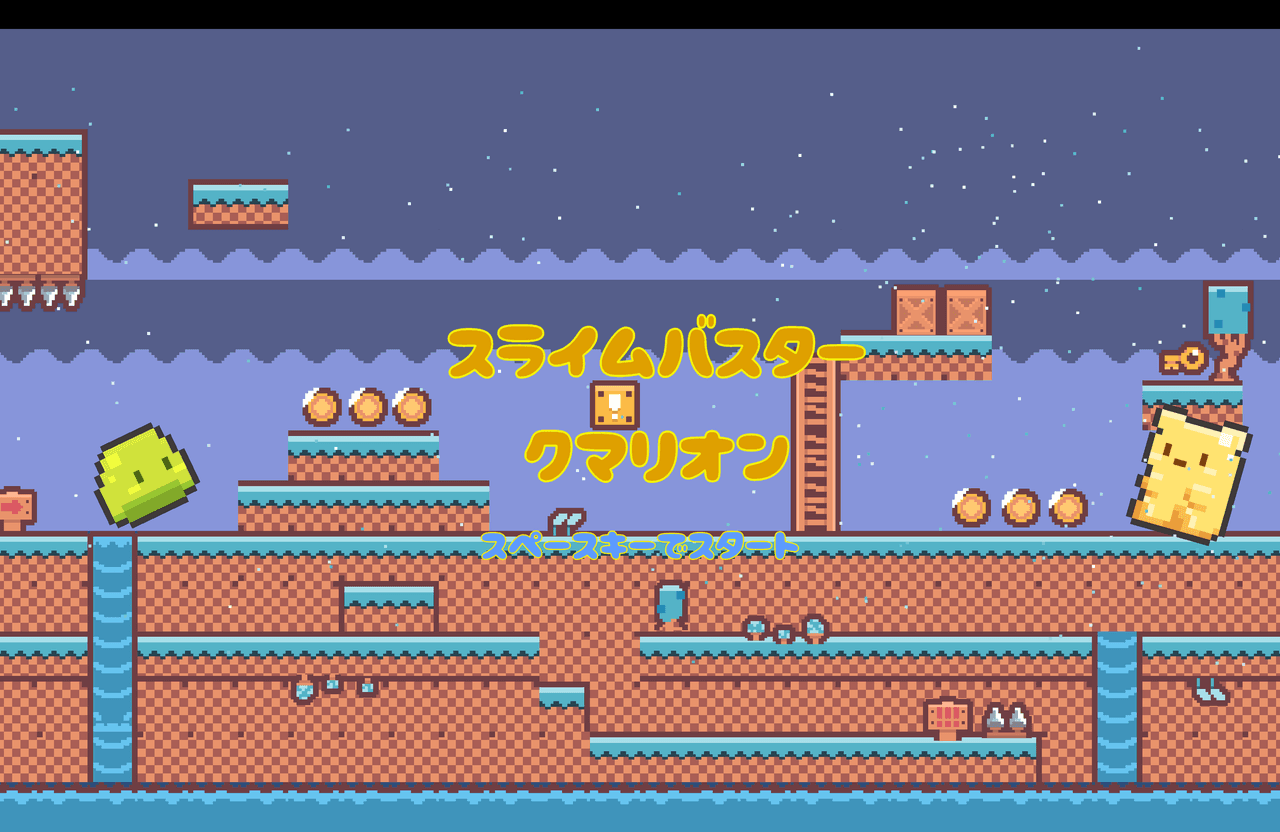
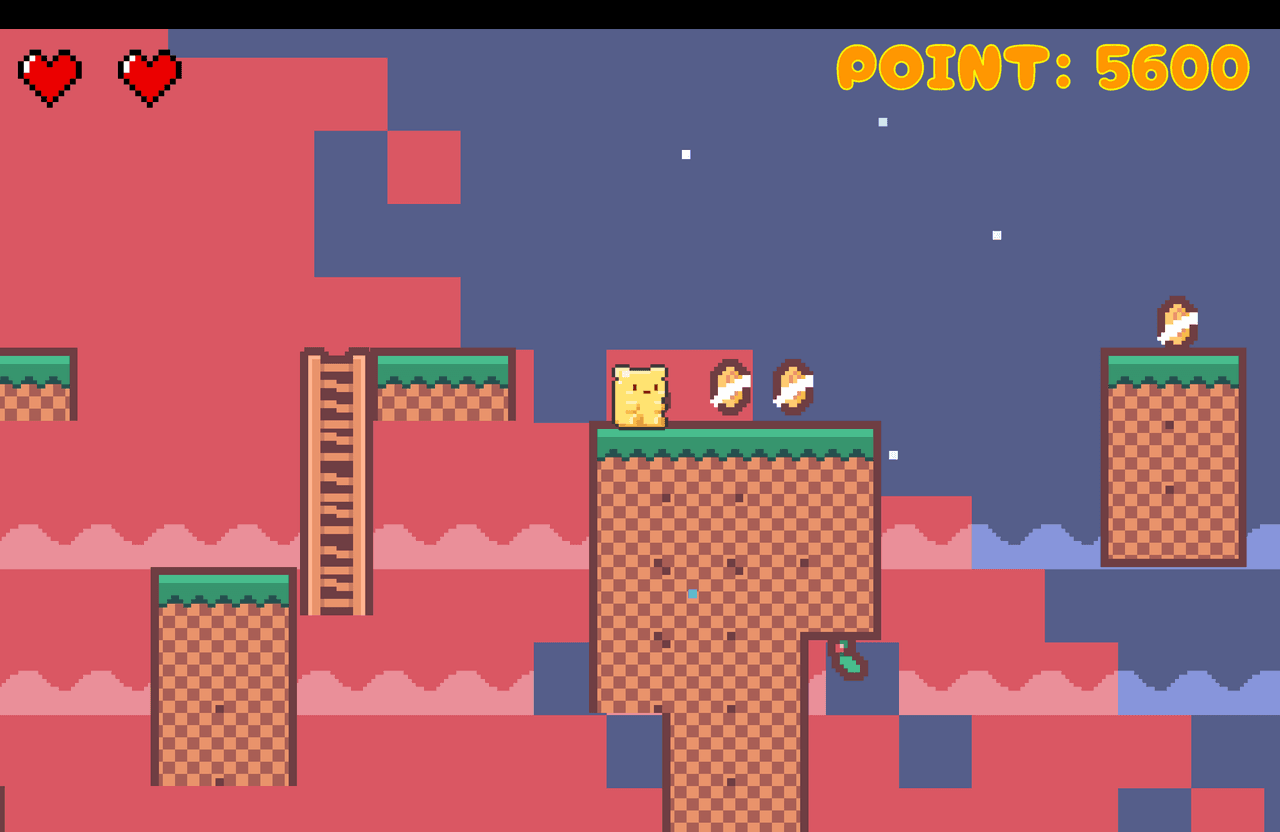
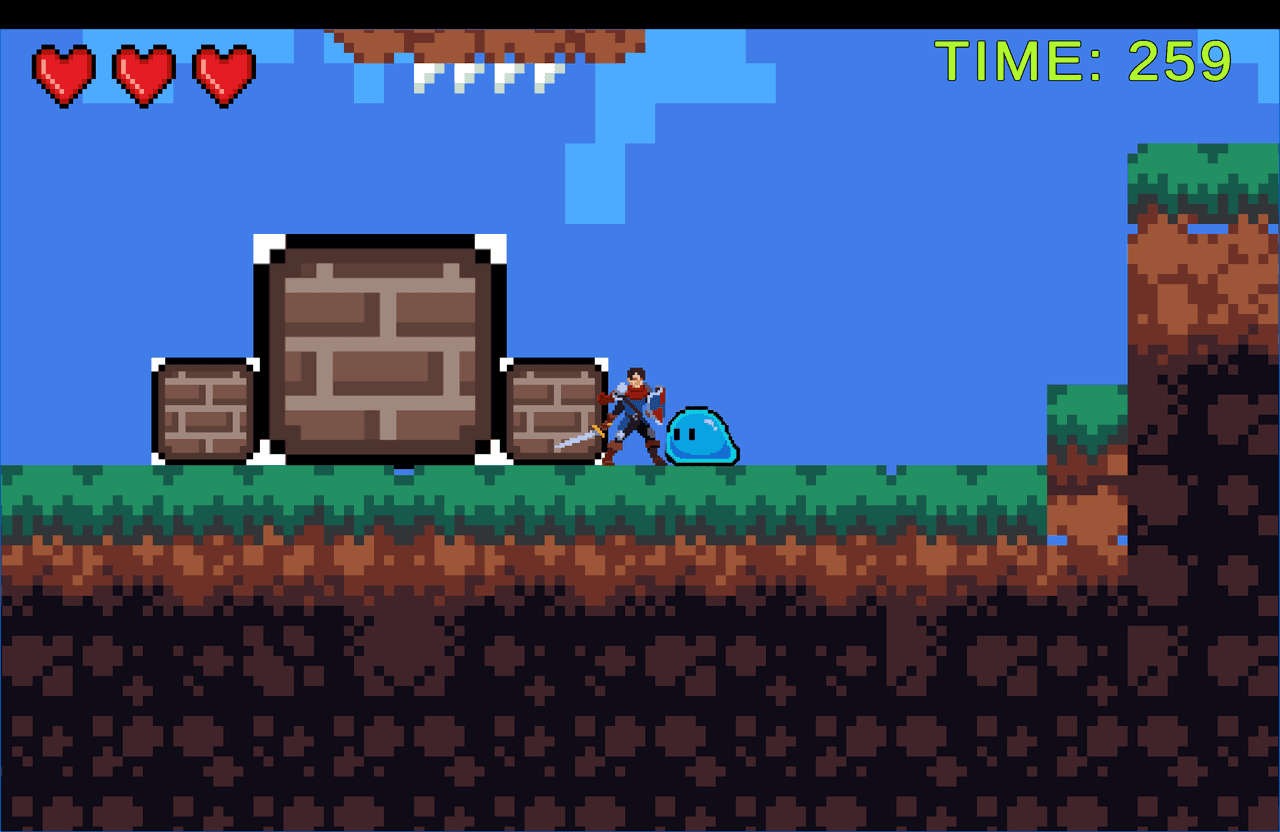
Game 1: "Slime Buster Kumarion"
This was the first 2D action game I made with Unity.
I knew almost nothing about Unity at the time, so I followed hands-on YouTube tutorials while making it.
I especially remember the Unity tutorials from ゲーム制作ch. ニコリ being excellent. The explanations were detailed and easy for a beginner to understand.
Even when I got stuck while following along, there was usually someone in the comments who had run into the same problem, along with an explanation of how to solve it. I would recommend the channel to anyone learning Unity for the first time.
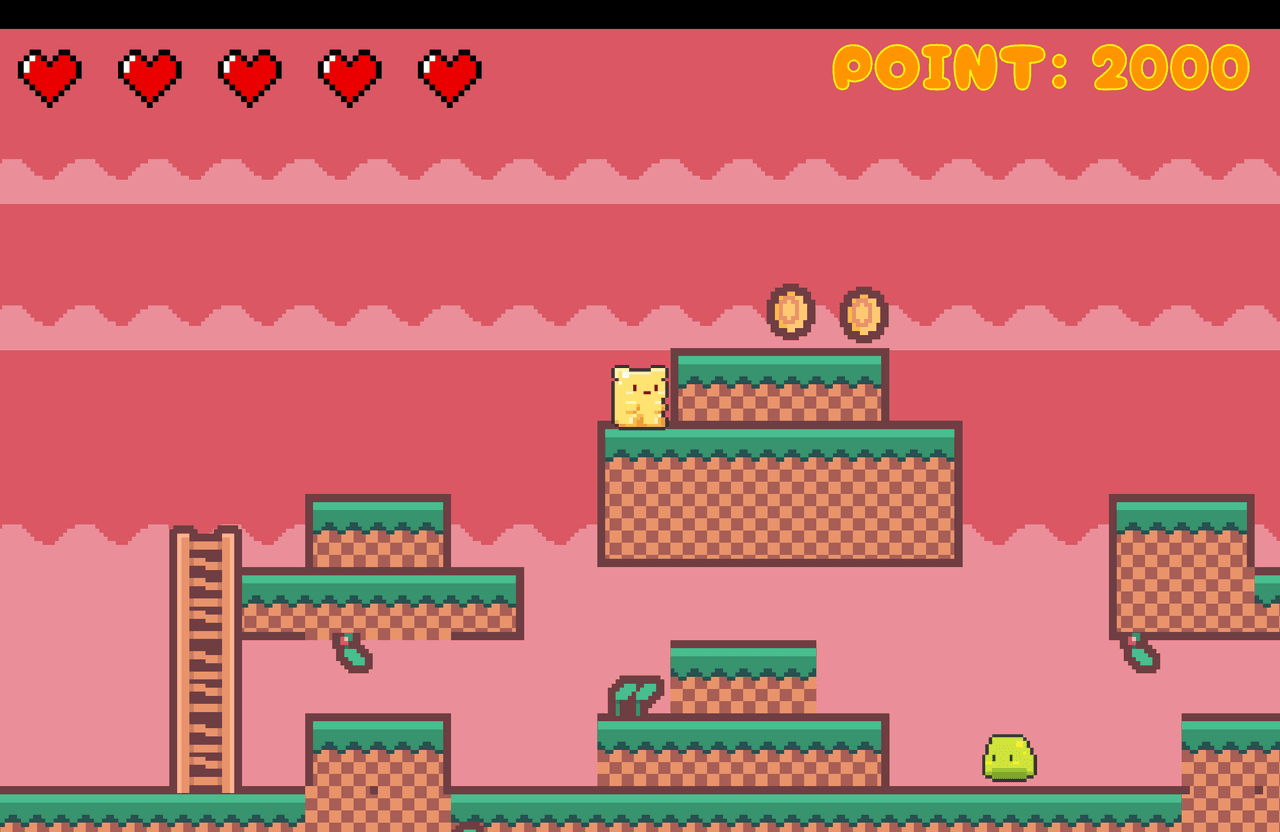
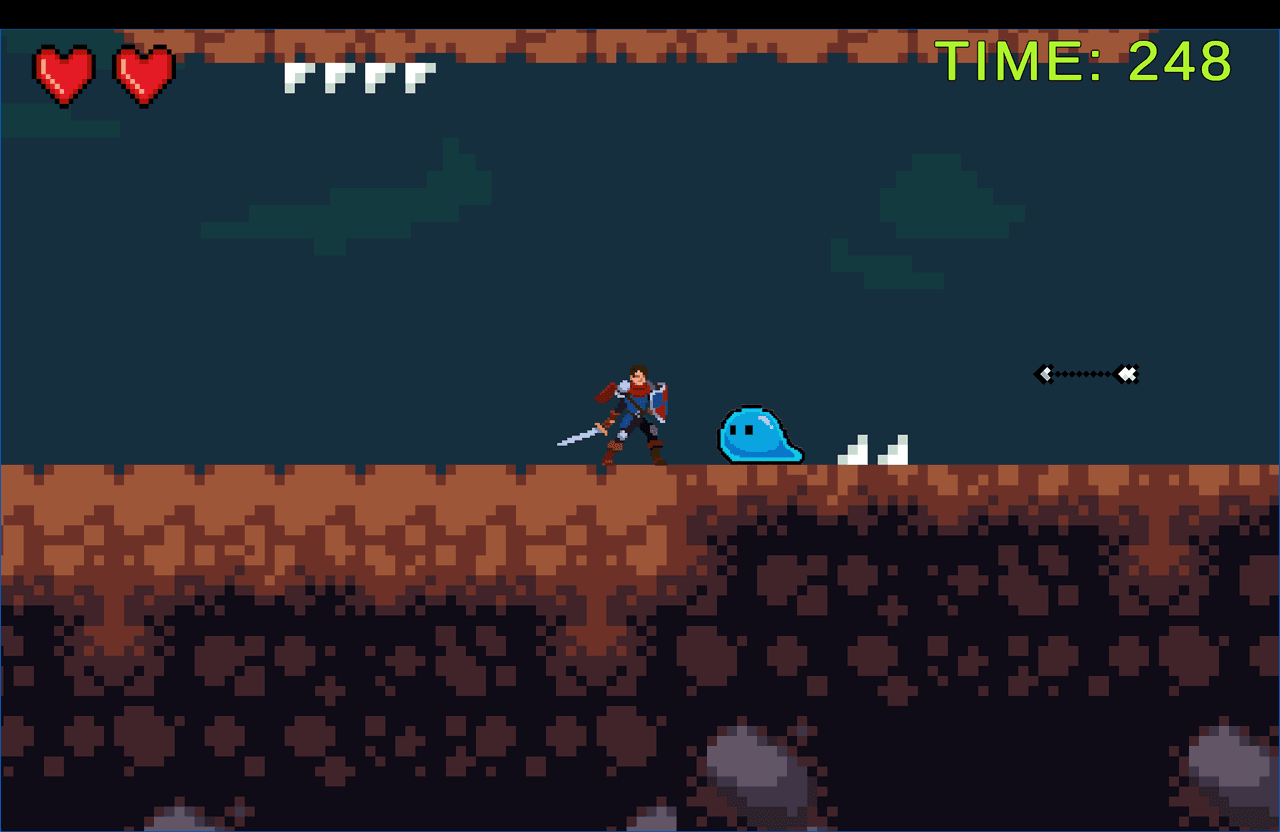
Looking back now, there are parts that feel a little rough. In the second image, for example, the slime's collider is too large, making it look as though the slime is floating.
Still, I think it was a solid effort for my first Unity game.
The Ground Detection I Struggled With
The part I remember struggling with the most was ground detection.
The player should not be able to jump while in the air, but implementing that turned out to be much more difficult than I expected.
I used a box-shaped raycast around the player's feet to check whether the character was touching the ground. Because the detection was controlled through a script, I had to account for the player's size to make it work correctly.
The box also needed careful adjustment. If it was not configured properly, the player could get caught on walls or behave unnaturally after colliding with them.
If I were making it now, I would probably use a Box Collider for the ground check. Still, implementing it this way gave me a valuable opportunity to understand how airborne and grounded states work in code.
What I Learned: Guard Clauses
I also learned how to write guard clauses while making this game.
if (Input.GetButtonDown("Jump"))
    return;
I have continued using guard clauses frequently in later projects. They have become an important technique for preventing bugs and making sure that processing occurs only under the intended conditions.
That's all for this one!
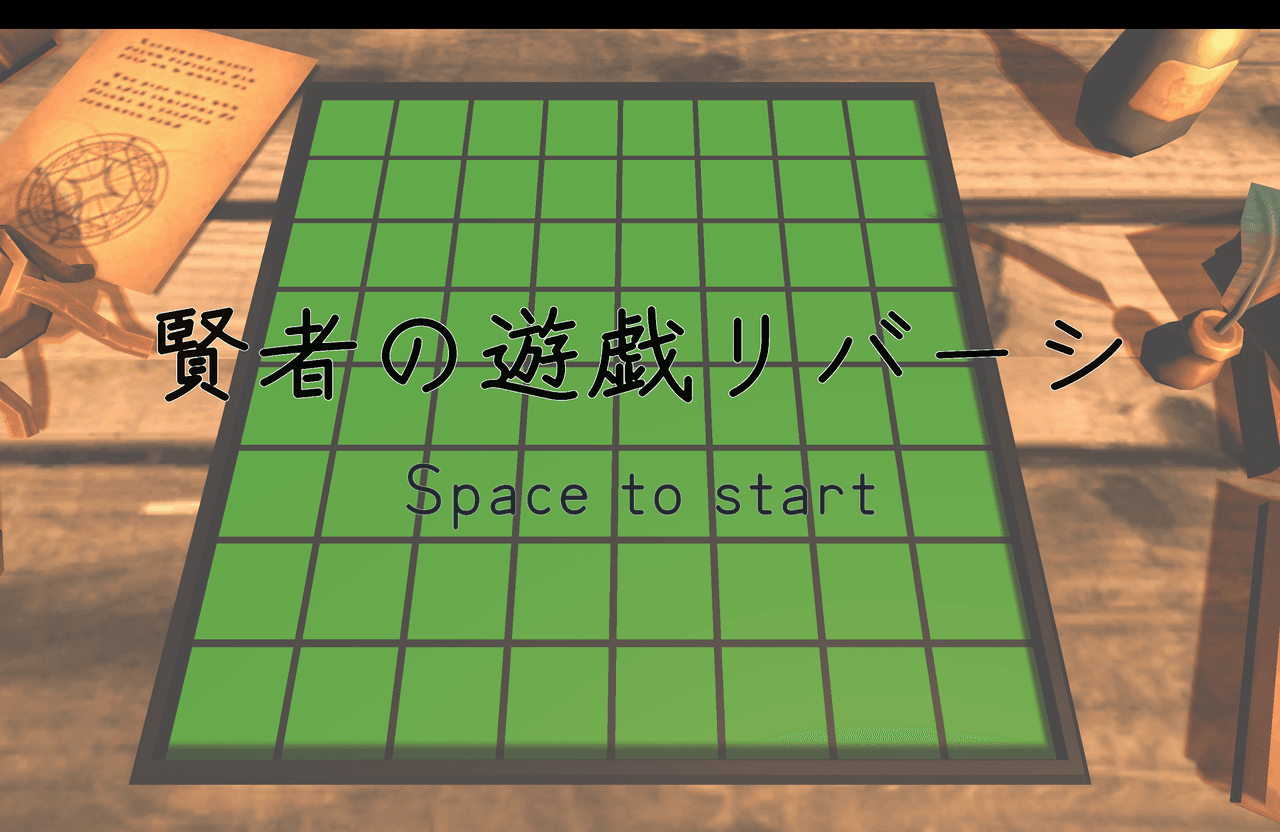
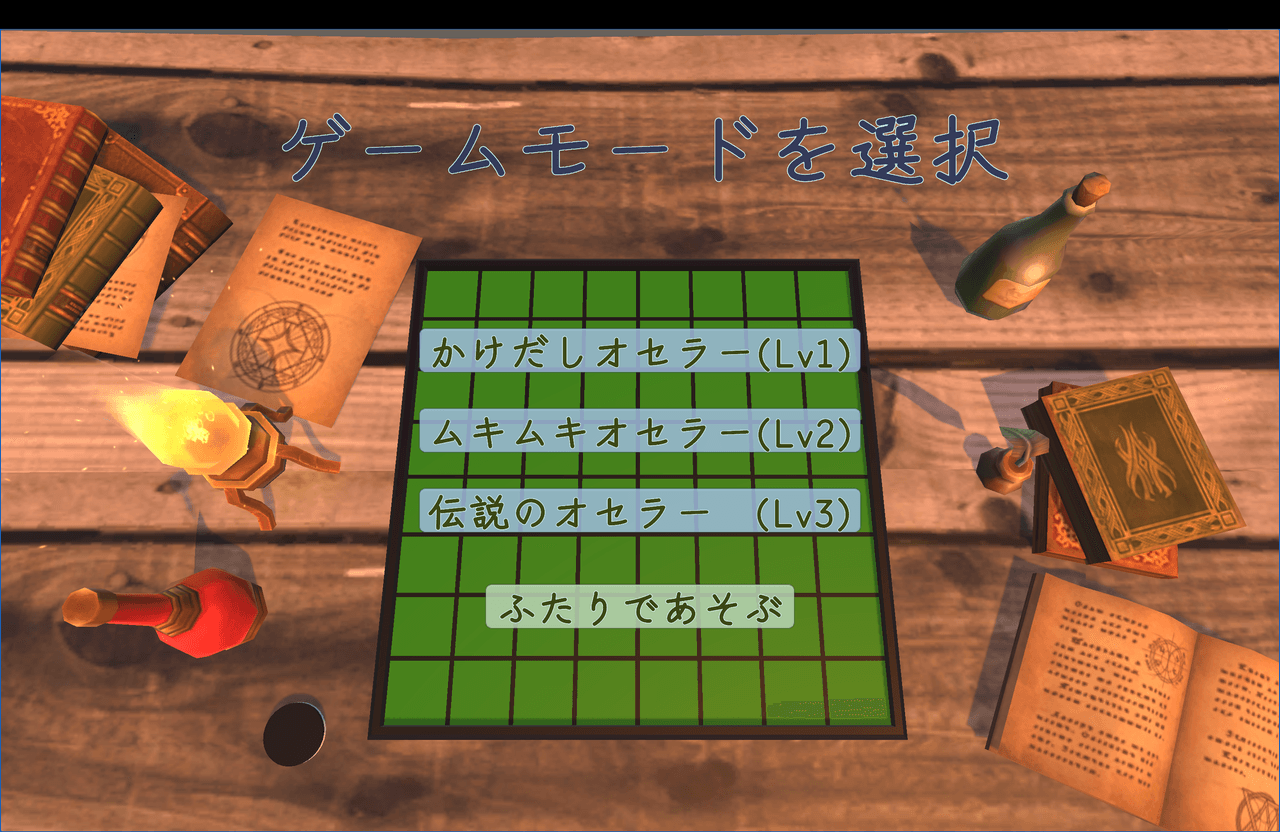
Game 2: "Sage's Game: Reversi"
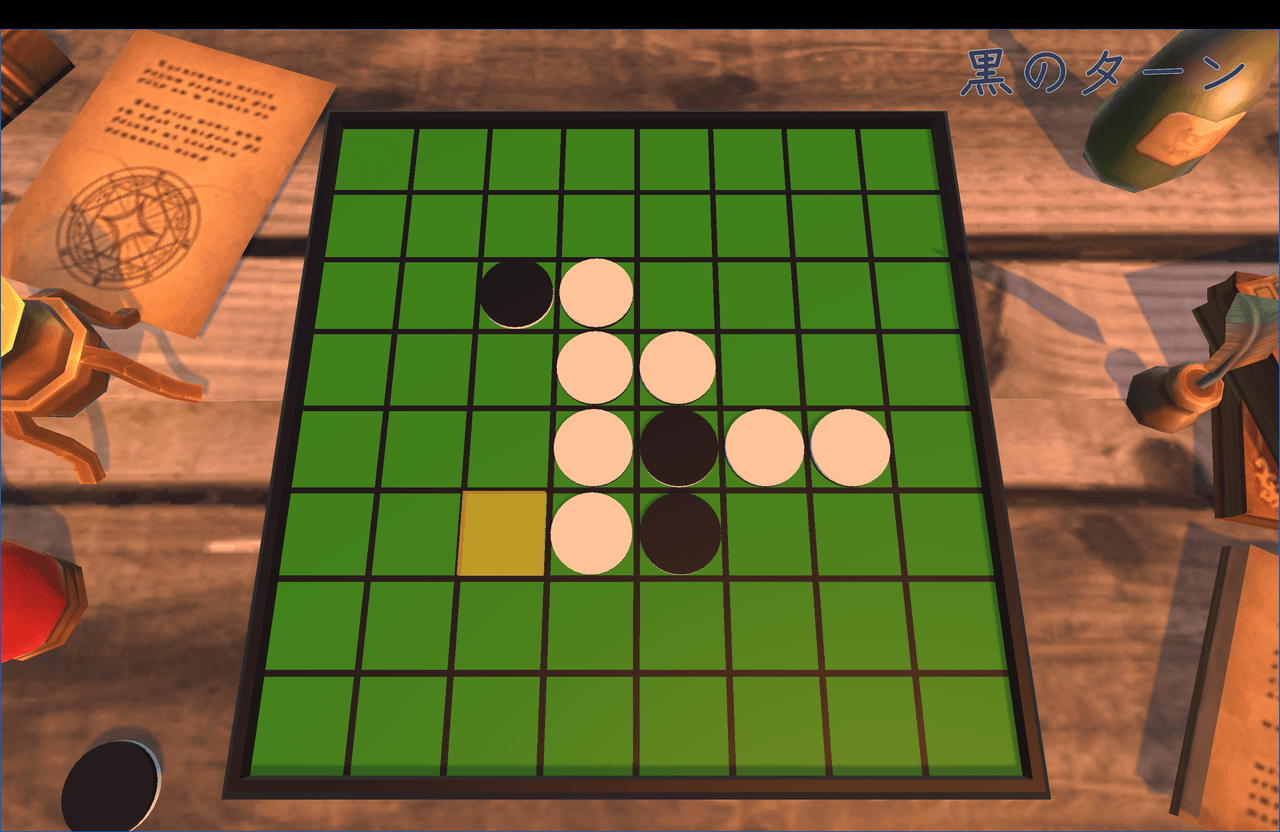
The next game I made was everyone's favorite: Reversi, also known as Othello.
I also followed a hands-on YouTube tutorial for part of this project.
There were two main things I learned from this project:
How to create a Reversi board with Blender
How to implement rule-based AI
Creating the Reversi Board in Blender
I still remember struggling with Blender's controls.
The tutorial displays the input commands used for each operation, so if you are interested, I recommend giving it a try.
Implementing Rule-Based AI
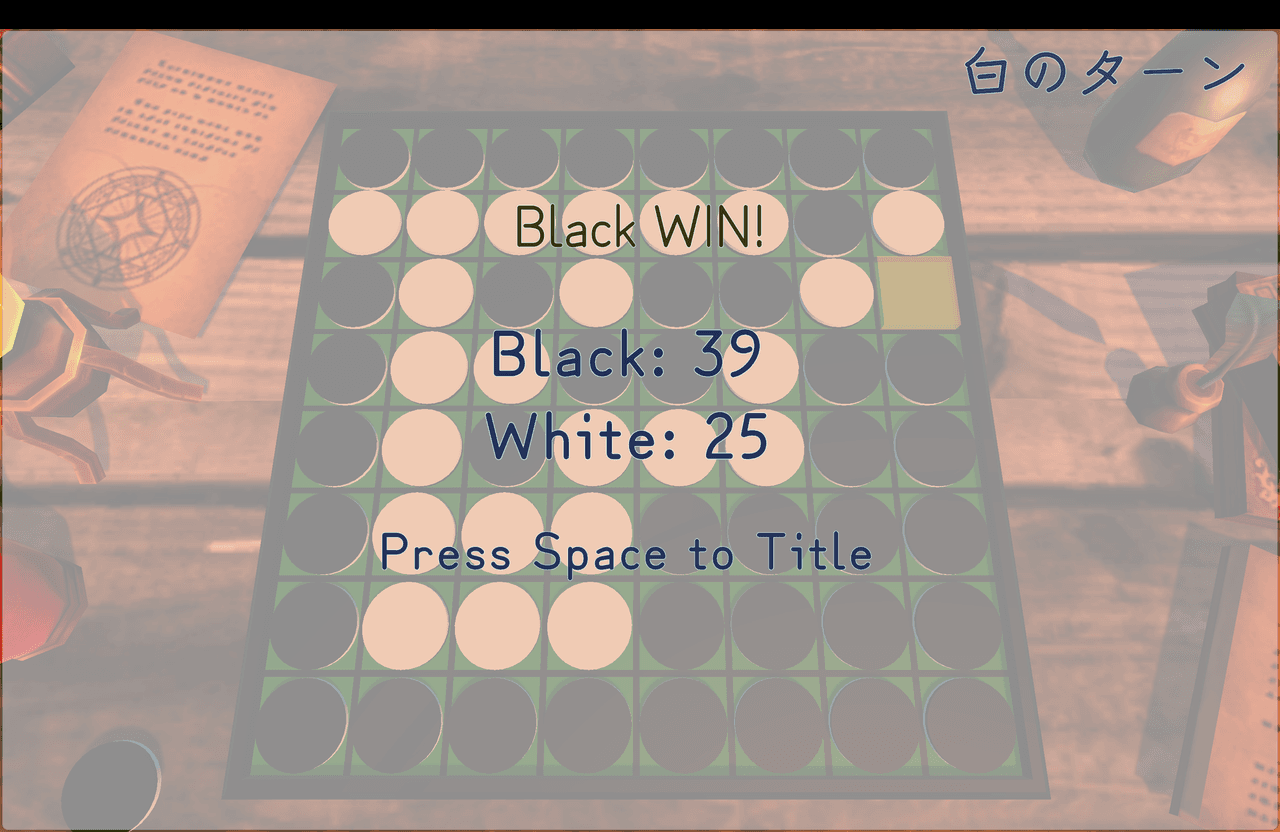
I created three difficulty levels for the game's pseudo-AI.
Level 1: Greedy Algorithm
The AI selects the move that captures the largest number of pieces immediately. It does not consider what might happen later and simply chooses the move that provides the greatest benefit at that moment.
Level 2: Weighted Board Evaluation
Each square on the Reversi board is assigned a weight, and the AI evaluates the board after each possible move.
Rather than considering only the number of pieces it can capture, it also accounts for strategically valuable squares such as corners and potentially dangerous squares around those corners. It then selects the move with the highest evaluation score.
Level 3: Weighted Board Evaluation + Minimax and Alpha-Beta Pruning
The AI assumes that its opponent will also choose the best possible move and searches through possible outcomes up to three moves ahead.
It then selects the move expected to produce the highest future board evaluation for itself. Alpha-beta pruning is also used to make the search process more efficient.
As the values show, taking a corner is the strongest move, while edge squares can also be valuable.
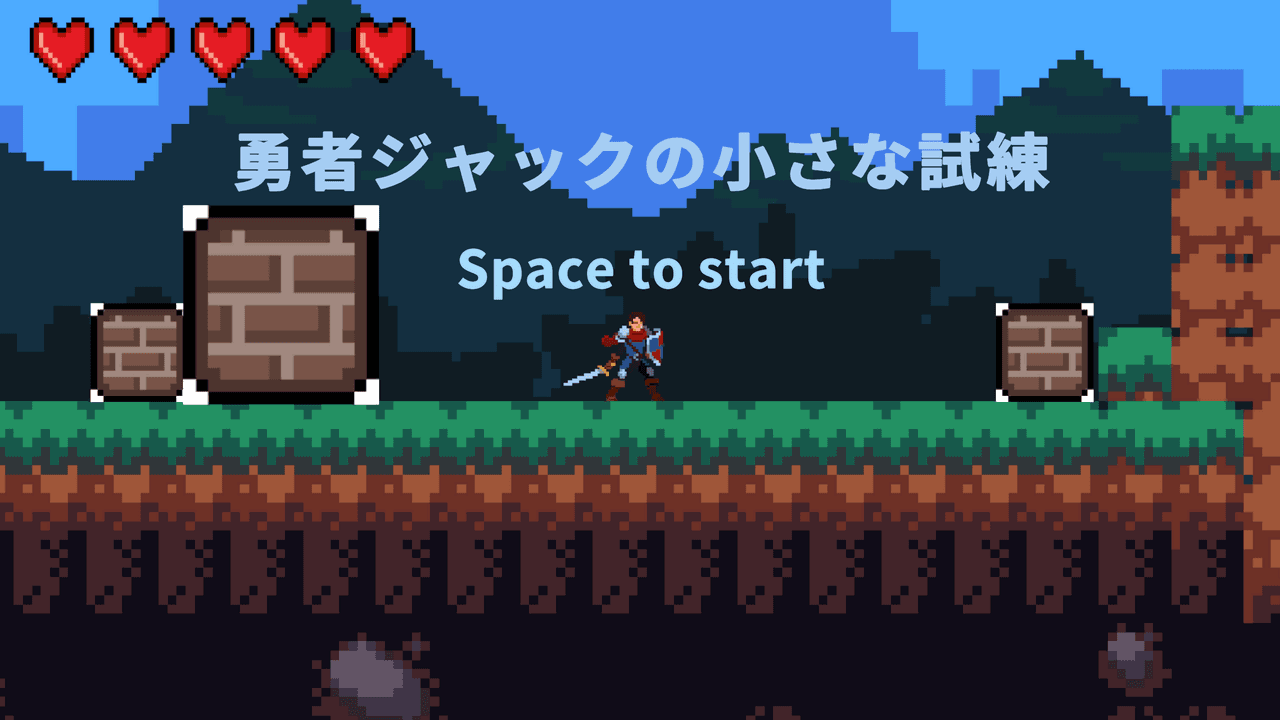
Game 3: "Hero Jack's Little Trial"
My third game, "Hero Jack's Little Trial," was a project where I struggled with both asset creation and making the game itself enjoyable.
Creating Assets with AI
As a new experiment, I used Gemini's Nano Banana Pro to create the slime assets for this game.
It could generate attractive individual images, but creating the variations needed for animation was difficult. I had to preserve the appearance of the same character while changing its movement slightly between images.
Removing the background also did not work well. Instead, I generated the images with a pink background and manually made the background transparent afterward using the Transparent Image Maker from Banner Koubou.
I had expected AI to make asset creation easy. In practice, I learned that generated images still need additional work before they are ready to use in a game.
The Difficulty of Making a Game Fun
The goal of this game is to move obstacles, create a path, and reach the destination.
The rules themselves are simple, but the stages easily became repetitive. Creating enough variety in the gameplay was much more difficult than I had expected.
I also encountered an implementation problem where the player could become trapped between two obstacle blocks, causing the ground detection to stop working correctly.
This project made me realize that coming up with interesting stages is not enough. I also need the technical ability to make those ideas work properly.
What I Learned from This Game
There were two main lessons I took away from this project:
Ask other people to play the game
Be able to explain the game in a single sentence
After repeatedly playtesting the same game, it becomes difficult to notice confusing controls or UI elements that feel strange.
That is why I realized how important it is to ask the people I make games with to play them and give me an outside perspective.
The other lesson was not to lose sight of the game's core.
In one sentence, this game is about moving obstacles to create a path and reach the goal. During development, however, I felt that it was not interesting enough, so I added several new elements, including traps that fired arrows and a rolling ability for the player.
The core of the game did not change significantly as a result. However, the more features I added afterward, the harder it became to understand what kind of game it was, and the more the game's world started to lose its coherence.
It is not necessary to decide absolutely everything before development begins. At the very least, however, I should have decided what kind of game I was making and how far I intended to take it.
Whenever I add a new element, I learned that it is important to stop and ask whether it truly makes the core of the game more enjoyable.
I also refer to the following channel when thinking about a game's core.
Across these three games, I started by following hands-on tutorials and learning Unity's basic controls and implementation techniques. From there, I gradually became able to add more of my own ideas.
Each project gave me an opportunity to try something new, including ground detection, rule-based AI, and AI-assisted asset creation.
At the same time, as I became more capable of making games, I began to realize that finishing a game and making an enjoyable game are not the same thing.
In "Hero Jack's Little Trial," I felt that the game was not interesting enough and responded by adding more features. However, those additions nearly made the game's core and world more difficult to understand.
From that experience, I learned the importance of deciding what kind of game I am making and how far I intend to take it before development begins. I also learned how valuable it is to have people other than myself actually play the game.
In Part 2, I will look back at games four through seven, where I began experimenting with more original ideas and control systems.
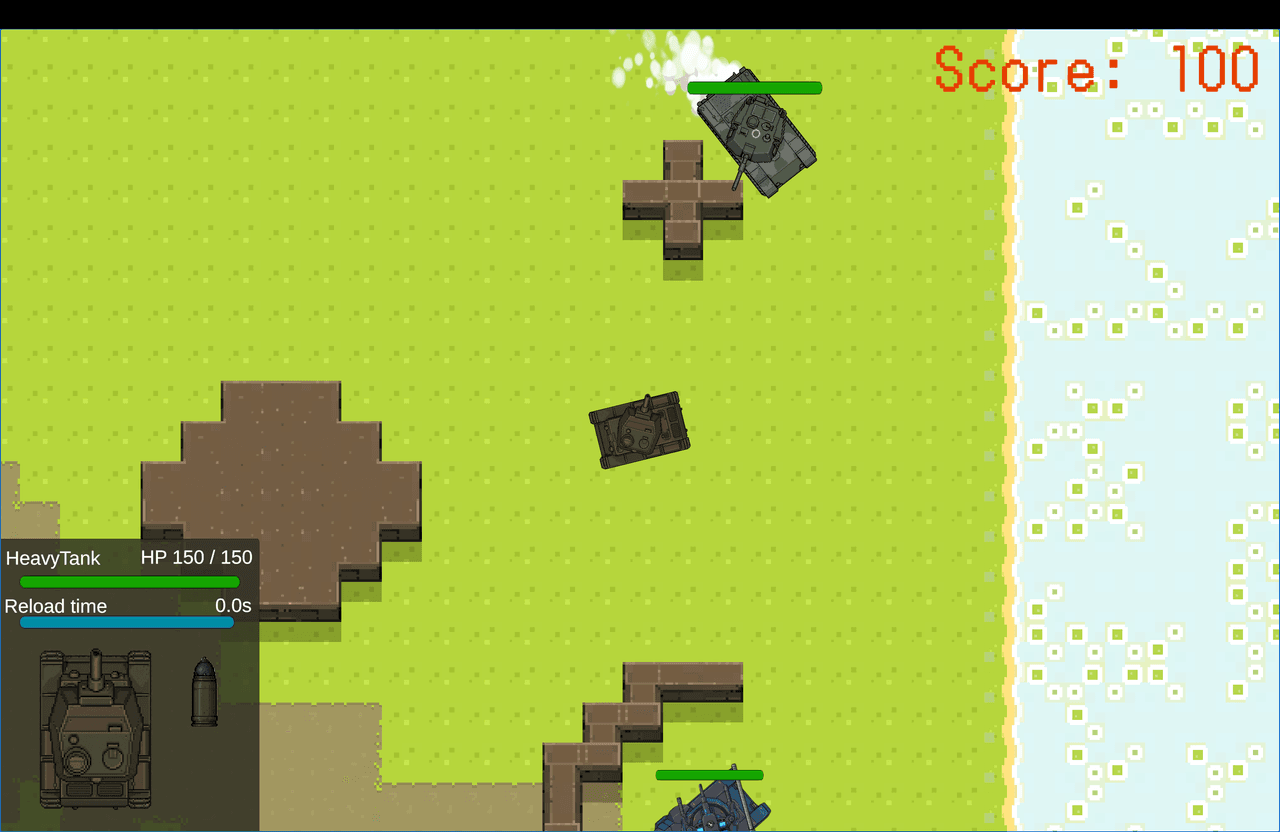
As the projects grew in scale, they brought new challenges: enemy tank behavior built with raycasts, controls that feel different depending on where the player clicks, and game balance adjustments that required long playtesting sessions.
How did my approach to game development change over the course of making seven games?
 Yuto NagataStudent developer from Nagano writing about web development, Unity, and travel.